





Common Payroll Errors: How to Avoid Them
Payroll errors and common payroll mistakes, they're out there. Here is how you can avoid them through proper practices and best-in-class solutions.
9 min read
Running payroll in-house can feel like a constant balancing act. You're tracking hours, calculating deductions, filing taxes, and keeping up with changing regulations, all while your business keeps growing. PayNW helps growing businesses with payroll, HR, and timekeeping in one connected platform that scales with your operations.
For mid-size companies expanding into new states or adding employees, the complexity multiplies quickly. Each new hire, each new location, and each regulatory change adds another layer of risk. This guide walks through the most common in-house payroll problems and how to fix them before they become costly mistakes.
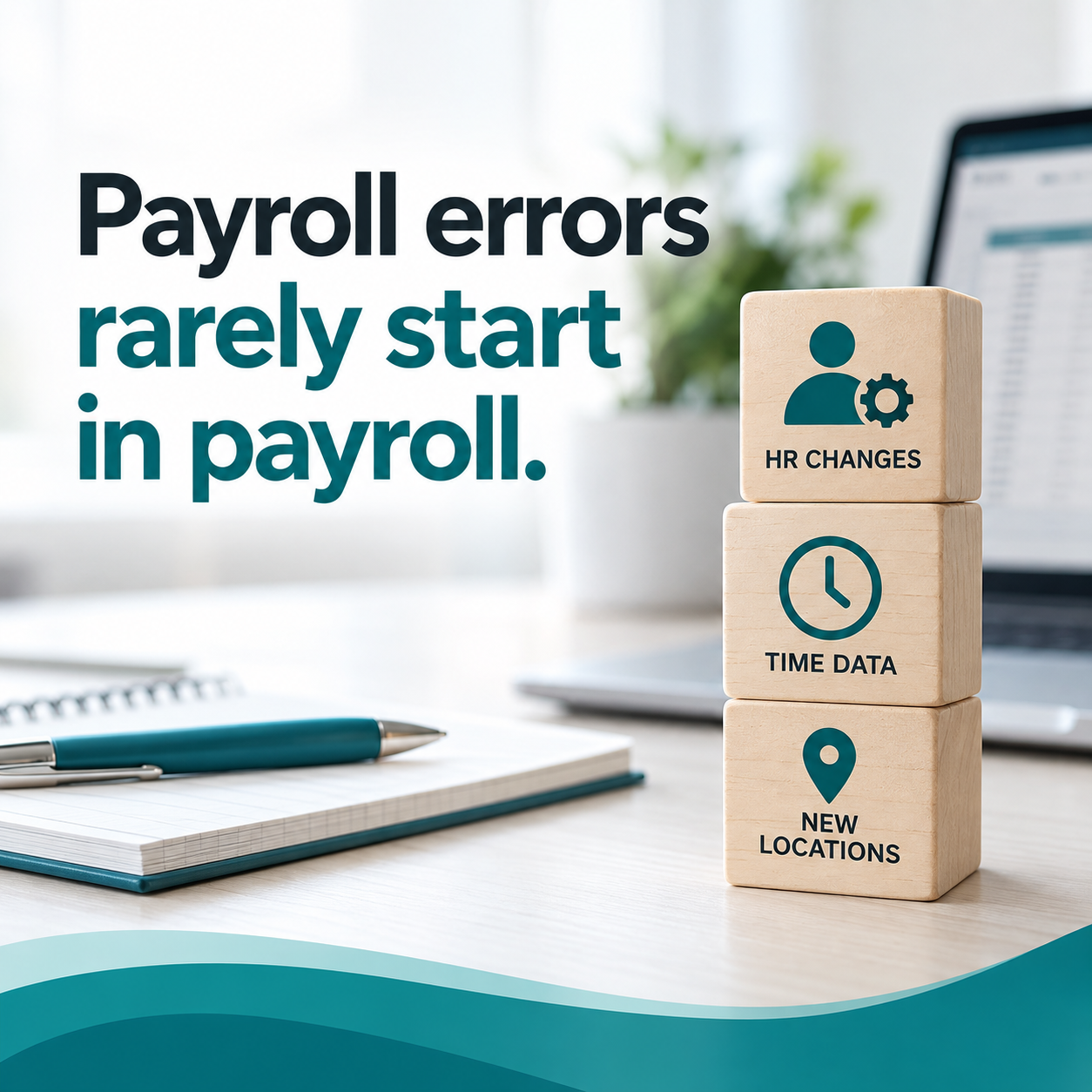
Payroll errors rarely start in payroll. They begin when data moves between disconnected systems, or doesn't move at all. An employee's pay rate changes in your HR records, but the update never reaches your payroll software. A new hire gets set up incorrectly, and the mistake only surfaces when their first paycheck is wrong.
In a HiBob survey reported by HR Morning, 44% of employees said they had noticed a payroll error at some point, and 21% said payroll issues caused them to lose trust in their employer. These aren't small inconveniences. They erode trust and create compliance risks that compound over time.
Manual data entry is one of the primary sources of payroll mistakes. When your team has to key the same information into multiple systems, the chance for typos, transposed numbers, and missed updates goes up with every entry. A single pay rate mistake can carry through to overtime calculations, tax withholding, and benefits deductions.
It also takes time. In Remote's 2024 State of Payroll Report, nearly half of HR teams said they spend five or more hours a month resolving pay-related issues, and employers named human error as the leading cause of payroll problems, followed by incorrectly logged hours.
Many growing businesses end up with separate tools for timekeeping, HR records, and payroll processing. When these systems don't talk to each other, your team becomes the bridge, manually moving data and hoping nothing gets lost along the way.
That setup creates gaps where errors hide. Time and attendance data arrives late or incomplete. Employee classification changes don't sync. Benefits elections update in one system but not another. By the time you find the discrepancy, you've already processed incorrect paychecks.
Every new employee, every new state, and every regulatory change adds to your compliance obligations. What works with 25 employees in one state becomes a full-time job with 75 employees across five states.
Each state sets its own wage laws, leave rules, and reporting requirements. What works in Washington might not hold up in New York or Florida. Some states have reciprocal agreements. Some require local city or county taxes. Some have no income tax at all, while others have complex withholding structures.
If your HR records don't reflect where employees actually work, withholding will be wrong. And once a tax problem appears, it tends to spread through forms, filings, and adjustments that take real time and money to correct.
Misclassifying employees as independent contractors, or getting exempt versus non-exempt status wrong, can lead to back wages, back taxes, penalties, and legal exposure.
These mistakes usually start outside payroll. Someone gets set up incorrectly during onboarding, a role changes but the classification isn't revisited, or a contractor arrangement should have become an employee relationship long ago. Payroll then processes what's on file, and you end up fixing pay, overtime eligibility, and possibly defending an audit.
Knowing where payroll errors typically happen helps you focus your prevention efforts. These categories consistently cause problems for growing businesses.
Overtime seems simple until you factor in bonuses, commissions, shift differentials, and multiple pay rates. The Fair Labor Standards Act requires overtime pay for non-exempt employees who work more than 40 hours in a workweek, and when variable pay is involved, it has to be included in the regular rate used to calculate that overtime.
If time data arrives incomplete or inconsistent, your payroll system can't produce accurate results, no matter how good its calculations are. Repeated or willful minimum wage and overtime violations can carry civil penalties of up to $2,515 per violation, the amount that remains in effect for 2026, on top of the back wages owed.
Incorrect federal, state, or local withholding leads to penalties and interest. Employment taxes are one of the IRS's biggest penalty areas. According to IRS Data Book figures summarized by PayrollOrg, the IRS assessed more than 4.3 million employment tax civil penalties totaling $13.6 billion in fiscal year 2022, with federal tax deposit penalties alone accounting for $8 billion.
Form errors add up too. For W-2s and other information returns due in 2026, IRS penalties range from $60 per form when corrected within 30 days up to $340 per form, and $680 per form with no annual cap when the IRS finds intentional disregard.
Most tax errors come from messy inputs, not broken calculations. Work location changes, employees who move mid-year, and inconsistent state rules all create room for withholding mistakes.
Benefits and deduction issues slip through when your systems don't agree on what's current. A life event changes a benefits election, but the updated deduction never makes it to payroll. PTO balances don't match between timekeeping and payroll, so payouts come out wrong.
These errors don't make a scene right away. They build up quietly, cycle after cycle, until an employee flags something. Then you're backtracking through disconnected systems to find where the signal dropped.
Automation goes after the root causes of payroll errors by removing manual handoffs and keeping your systems in sync. When employee data flows automatically from HR to payroll, the gaps where mistakes hide start to close.
A unified human capital management (HCM) platform keeps payroll, timekeeping, HR, and benefits connected in one system. When a manager approves a pay rate change, the update flows to payroll without anyone re-entering it. When an employee clocks in and out, those hours sync to your payroll run.
PayNW's HCM platform connects these functions so employee records, time data, and benefits elections all draw from the same source.
Automated systems can surface discrepancies before you run payroll. Unusual hours, missing approvals, and data that doesn't match expected patterns show up early, when you can investigate and fix them instead of explaining them to employees afterward.
That turns payroll from a reactive scramble into a controlled process. You catch problems upstream instead of finding them in paychecks.
Compliance isn't a one-time setup. It takes ongoing attention to changing rules, consistent processes, and clear ownership. These controls help protect your business as you grow.
Employment and tax laws change regularly. Federal requirements shift, states adjust withholding rules, and local jurisdictions add new obligations. Your payroll system needs to apply tax rate and table updates as they take effect, and your team needs a reliable way to track the employment law changes that affect your policies.
The FLSA requires employers to keep records of hours worked and wages paid for each non-exempt employee. Payroll records must be kept for at least three years, and time cards and other records used to calculate wages for at least two. When a wage dispute or audit comes up, complete records are your best defense.
Digital recordkeeping keeps documents organized, secure, and easy to pull when you need them, without hours of digging through files.
Before hiring in a new state, ask: Do we need to register the business there? What are the withholding requirements? Are there specific leave laws, poster requirements, or employment rules we need to follow?
Things to plan for when expanding across state lines include business registration, state unemployment insurance accounts, workers' compensation coverage, and any industry-specific rules that apply to your workforce.
PayNW pairs payroll automation with dedicated support to help growing businesses keep payroll accurate as they scale.
PayNW's cloud-based payroll connects HR records and timekeeping data in a single platform. When employee information changes, the update carries through every connected module. When time is captured, it flows directly into payroll.
That removes the manual handoffs and duplicate entry behind most payroll errors. Managers get access to reports and analytics, and employees get self-service access to their pay information.
Technology alone doesn't solve every payroll problem. Some situations need a person who understands your business. PayNW clients work with dedicated support representatives who know their accounts, instead of rotating through anonymous service queues.
That support starts at implementation and continues through day-to-day payroll. When you add a new state, onboard a round of new hires, or run into something unusual, your rep helps make sure it's set up correctly in payroll.

Whether you're evaluating new systems or tightening up your current process, these steps help reduce errors and improve compliance.
Map how employee data moves through your organization. Where does information get entered by hand? Where do you move data between systems? Where do updates sometimes get missed? Every manual handoff is a chance for an error.
Look for patterns in past payroll corrections. If the same types of errors keep showing up, trace them back to the source. One process fix may eliminate a whole category of mistakes.
Add a review step before you finalize each payroll run. Check for unusual hours, new employees with incomplete records, and pay rates that don't match approved changes. Catching a discrepancy before processing is far easier than correcting it after paychecks go out.
Use a checklist that covers your most common error sources so nothing gets skipped during busy periods or when someone else handles the review.
Define who can approve which changes, and build those approvals into your system. Pay rate changes, employee classifications, and time adjustments should all require sign-off before they affect payroll.
A second set of eyes may feel like extra work, but it takes far less time than fixing errors after the fact.
Not every payroll solution fits every business. The right choice depends on your current complexity, where you're headed, and your internal resources. Here's what to ask.
Can the system handle your current headcount and grow with you? Does it support payroll across multiple states with automatic tax calculations? Will it handle the complexity you'll have in two or three years, not just today?
A system that fits your current size but can't scale sets you up for a painful migration later. Look for platforms built for mid-size and growing organizations.
How will the payroll solution connect with your timekeeping, HR, benefits, and accounting systems? Native integration means less manual work and fewer errors. If integration requires custom development or manual file transfers, factor that ongoing effort into your decision.
Ask providers about their integration options with the specific systems you already use.
What does implementation look like, and how long does it usually take? What ongoing support is included? Will you have dedicated contacts who know your business, or a different person every time you call?
The quality of support often decides whether a system delivers on its promise. A system no one knows how to configure won't reduce your workload or improve your compliance.
Most in-house payroll problems don't come from the payroll calculation. They come from the data that feeds it: a pay change that never leaves HR, time records that arrive late, an employee who moved and never updated their work location. When you fix how that data flows and add checks before each run, most errors stop showing up in paychecks.
PayNW helps growing businesses take that work off their plate. Payroll, timekeeping, and HR records live in one platform, so a change made in one place carries through to the next payroll run without anyone keying it in twice. PayNW processes payroll and handles tax filing for the states where you have employees, and your dedicated representative knows your account when you add a new state, onboard a round of new hires, or run into something that doesn't fit the usual pattern. You keep the decisions that belong to your business, like how roles are classified and how your policies are set, and PayNW pays and reports based on what's on file.
Most payroll errors come from manual data entry and disconnected systems rather than calculation mistakes. When employee information has to be entered more than once across different platforms, typos and missed updates turn into paycheck errors. PayNW's HCM platform keeps payroll, HR, and timekeeping connected in one system so data doesn't have to be re-entered.
Multi-state compliance means tracking different withholding rules, employment laws, and filing requirements for each state where you have employees. Before hiring in a new state, register the business there and set up state tax and unemployment accounts. After that, keep each employee's work location current so withholding follows them. PayNW calculates withholding and files payroll taxes for each state based on the work locations in your records.
Focus on scalability, integrations, and the quality of ongoing support. The system should handle your current complexity and grow with you into new states and larger headcounts. Native integration with timekeeping and HR reduces manual entry. Dedicated support representatives who know your business help you resolve complex situations quickly.
Automation removes the manual handoffs where errors typically enter payroll. When time data flows straight from your timekeeping system and employee records update across connected modules, there are fewer chances for typos and missed updates.
Penalties can add up fast. The IRS assessed $13.6 billion in employment tax civil penalties in fiscal year 2022. For W-2s and other information returns due in 2026, penalties run from $60 to $340 per form depending on how quickly errors are corrected, and $680 per form for intentional disregard. Repeated or willful FLSA minimum wage and overtime violations can carry civil penalties of up to $2,515 per violation, plus back wages.
Timelines depend on complexity, but well-structured implementations for mid-size businesses typically take six to eight weeks. PayNW's Smooth Start implementation includes data migration, system configuration, and training so your team is ready to use the platform from day one, with implementation specialists guiding you through each step.


Payroll errors and common payroll mistakes, they're out there. Here is how you can avoid them through proper practices and best-in-class solutions.

This is a guide for Washington State payroll deductions and taxes for 2026. This is everything you need to know about Washington Payroll Taxes.

To manage your HR and payroll needs, it’s essential to understand the different options available. See the difference between a PEO and a payroll...